


In the dynamic world of advertising and mobile marketing, LED trailers have emerged as a powerful tool for businesses to capture attention and convey their messages effectively. As a leading LED trailer supplier, I understand the importance of being able to change the content on these trailers quickly. This not only allows for timely updates but also enables businesses to adapt to different marketing campaigns and target audiences. In this blog post, I will share some practical tips on how to change the content on an LED trailer quickly.
Understanding the LED Trailer System
Before diving into the process of changing content, it's essential to have a basic understanding of how an LED trailer system works. Most LED trailers consist of an LED display panel, a media player, and a power supply. The media player is the heart of the system, as it stores and plays the content on the LED display. It can be connected to a computer or a mobile device via Wi-Fi, Ethernet, or USB for content transfer.
Preparation for Content Change
- Content Creation: The first step is to create the new content that you want to display on the LED trailer. This can include images, videos, animations, and text. Make sure the content is high-quality, visually appealing, and relevant to your target audience. You can use graphic design software such as Adobe Photoshop or Illustrator to create images and videos, and text editors to create text-based content.
- Format Compatibility: Check the format compatibility of the media player in your LED trailer. Different media players support different file formats, so make sure the content you create is in a supported format. Common formats include MP4, JPEG, PNG, and BMP.
- Backup Existing Content: Before replacing the existing content, it's a good idea to back it up. This ensures that you have a copy of the old content in case you need to use it again in the future. You can save the backup files on a hard drive, a USB flash drive, or a cloud storage service.
Methods of Content Transfer
- USB Transfer: One of the simplest and most common methods of transferring content to an LED trailer is via a USB flash drive. Simply copy the new content files to the USB flash drive, and then insert the USB drive into the media player of the LED trailer. The media player will automatically detect the new files and update the content on the display.
- Wi-Fi or Ethernet Connection: If your LED trailer's media player supports Wi-Fi or Ethernet connectivity, you can transfer content wirelessly or via a wired network. Connect the media player to your computer or mobile device using the same Wi-Fi network or Ethernet cable. Then, use the media player's software or app to transfer the new content files. This method is convenient as it allows you to update the content remotely without physically accessing the trailer.
- Cloud Storage: Some advanced LED trailer media players support cloud storage integration. You can upload the new content files to a cloud storage service such as Google Drive, Dropbox, or OneDrive, and then configure the media player to download the files from the cloud. This method is particularly useful for businesses that need to update the content on multiple LED trailers simultaneously.
Quick Content Change Techniques
- Pre - Designed Templates: Create a set of pre - designed templates for different types of content, such as promotions, events, and product launches. These templates can include placeholders for images, text, and logos, making it easy to swap out the content quickly. For example, if you are promoting a new product, you can simply replace the product image and description in the template to create a new advertisement.
- Scheduled Content Updates: Many media players allow you to schedule content updates in advance. You can set specific times and dates for the new content to be displayed on the LED trailer. This is useful for businesses that have regular marketing campaigns or events. For instance, you can schedule a new promotion to start at the beginning of a sales event and end when the event is over.
- Remote Control and Monitoring: Invest in a media player that supports remote control and monitoring. This allows you to change the content on the LED trailer from anywhere in the world using a computer or a mobile device. You can also monitor the status of the media player, check the display performance, and troubleshoot any issues remotely.
Case Studies
Let's take a look at some real - world examples of how businesses have used these techniques to change the content on their LED trailers quickly.
A local restaurant used pre - designed templates to promote their daily specials. They created a template with a large image placeholder and a text area for the dish name and price. Every morning, the chef would decide on the daily specials, and the marketing team would simply replace the image and text in the template and transfer the new content to the LED trailer using a USB flash drive. This allowed them to update the menu in a matter of minutes and attract more customers.
A construction company used scheduled content updates to promote their latest projects. They had an LED trailer parked at the entrance of their construction sites. They created different promotional videos for each project and scheduled them to be displayed at specific times. For example, during peak traffic hours, they would display a video highlighting the progress of the project and the benefits of their services. This helped them increase brand awareness and generate more leads.
Related Products
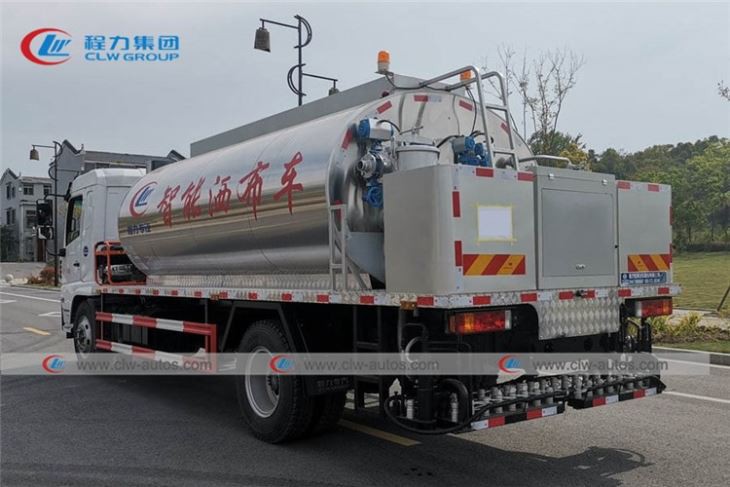
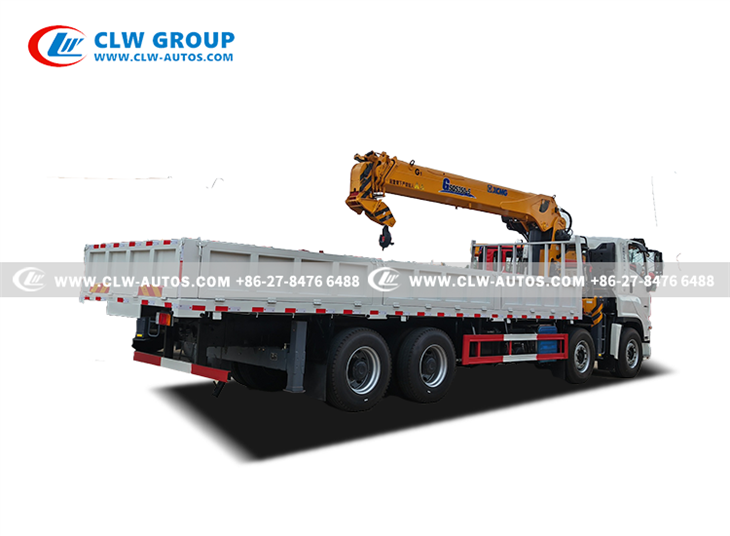
If you are in the market for other types of trailers or trucks, we also offer a wide range of high - quality products. Check out our Shacaman 12CBM Asphalt Sprayer Truck, 150Ton 4 Lines 8 Axles Lowbed Semi Trailer, and ISUZU VC66 14Tons Straight Boom Crane Truck. These products are designed to meet the needs of various industries and provide reliable performance.
Conclusion
Changing the content on an LED trailer quickly is crucial for businesses to stay competitive in the market. By following the tips and techniques outlined in this blog post, you can ensure that your LED trailer always displays the latest and most relevant content. Whether you are promoting a new product, announcing an event, or simply raising brand awareness, a well - maintained and up - to - date LED trailer can make a significant impact on your marketing efforts.
If you are interested in purchasing an LED trailer or have any questions about content management, please feel free to contact us for a detailed discussion and procurement negotiation. We are committed to providing you with the best products and services to meet your business needs.
References
- LED Display Technology Handbook
- Digital Signage Best Practices Guide
- Marketing Strategies for Mobile Advertising